
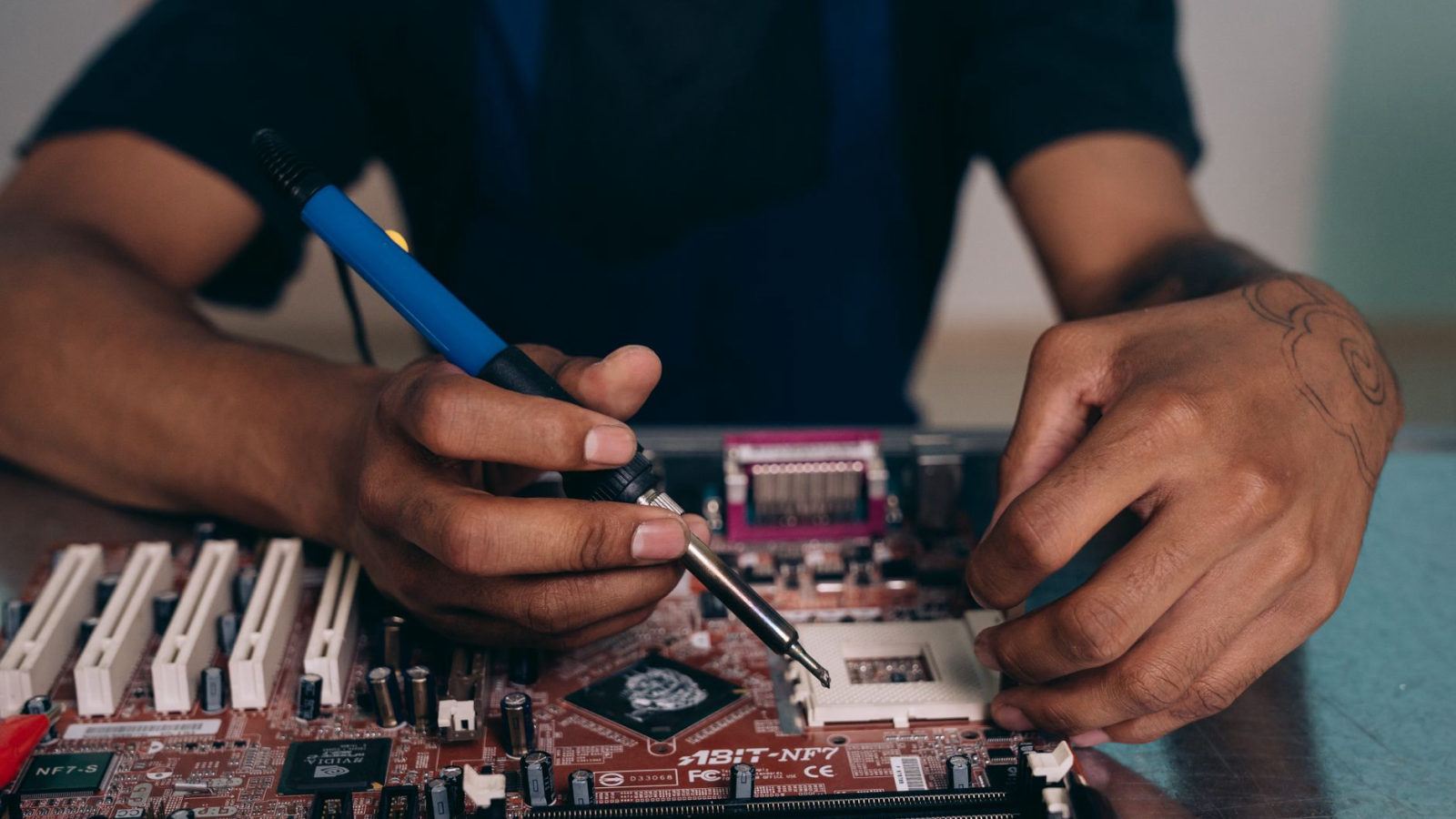
Is your computer feeling sluggish or unresponsive? You're not alone. Many users experience a decline in their computer's performance over time due to various factors such as outdated software, excessive clutter, and insufficient hardware resources. At Microcenters of Georgia, we’ve been assisting customers with their computer repairs for over 40 years, and we want to share some tried-and-true tips that can breathe new life into your device.
1. Regularly Update Your Operating System
Keeping your operating system up to date is crucial. Software updates often include performance enhancements and security patches. Regularly check for updates if you're using Windows, macOS, or Linux to ensure your system runs smoothly and securely.
2. Clean Up Your Hard Drive
Over time, junk files, temporary files, and unused applications can accumulate, slowing down your computer. Use built-in tools like Disk Cleanup on Windows or storage management on macOS to remove unnecessary files regularly. As a rule of thumb, aim to keep at least 15% of your hard drive free for optimal performance.
3. Upgrade Your RAM
If your computer struggles with multitasking, increasing your RAM can significantly improve its efficiency. Many systems allow for RAM upgrades, and depending on your machine, this may range from a simple DIY project to a service you get from a professional repair shop. If you need assistance, don’t hesitate to contact us.
4. Use a Solid-State Drive (SSD)
If your computer still uses a traditional hard drive, switching to an SSD can yield dramatic performance improvements. SSDs are significantly faster, reducing boot times and speeding up file access. This upgrade can be particularly beneficial for older machines.
5. Reduce Startup Programs
Many applications set themselves to launch at startup, which can slow down boot time. Navigate to your task manager (Windows) or system preferences (macOS) and disable unnecessary startup programs. This simple step can help speed up your boot process.
6. Regularly Scan for Malware
Malware and viruses can severely affect your computer's performance. Use reliable antivirus software to scan your system regularly. This not only protects your data but also ensures your system runs efficiently.
7. Keep Your Software Updated
Just like your operating system, ensure all your software, especially web browsers and applications, are current. Developers frequently release performance updates that can help your software run more smoothly and securely.
8. Organize Your Desktop
A cluttered desktop can slow down your computer. Aim to keep your desktop organized with only the most essential files visible. Consider using folders to categorize documents and applications, which also helps you find what you need quickly.
9. Consider Cleaning Hardware Components
Dust and debris can build up inside your computer, affecting performance and even causing hardware damage. Regularly cleaning your computer's interior can help it run cooler and more efficiently. If you're unsure how to do this safely, we recommend reaching out to our team at Microcenters for a professional cleaning.
10. Seek Professional Help When Needed
When all else fails, it may be time to consult with a professional. Our experienced technicians at Microcenters of Georgia can diagnose and resolve persistent issues that could be dragging your computer's performance down. From hardware upgrades to comprehensive repairs, we're here to help!
Implementing these tips can lead to significant enhancements in your computer's performance. Whether you prefer tackling these tasks yourself or need professional assistance, we are here to support you. Reclaim your computer's speed and efficiency today!