
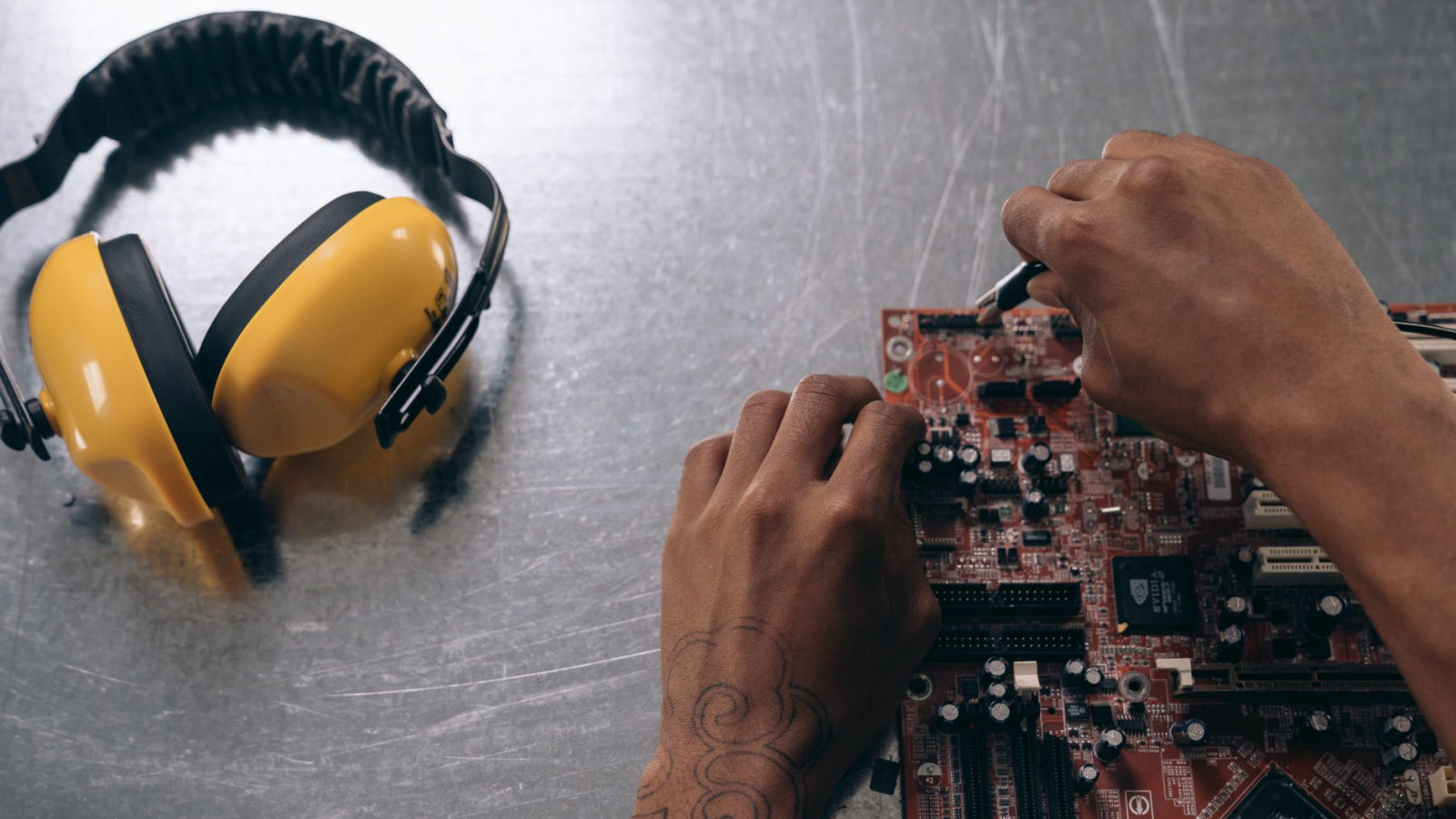
If you’re a computer user in Georgia, you’re not alone in occasionally facing tech challenges. Whether it’s a sluggish performance, unexpected crashes, or viruses threatening your data, knowing how to address these issues is key to keeping your system healthy. Having been a trusted name in computer repair for over 40 years, we’ve compiled some essential tips to help you maintain your computer and understand when it’s time to seek professional help.
1. Regular Cleaning: Keep Your Hardware Dust-Free
Dirt and dust accumulation can severely affect the performance of your computer. Every few months, power down your device and clean it using compressed air—especially around the fans and vents. This simple action can prevent overheating and prolong the life of your components.
2. Update Your Software: Security and Performance
An outdated operating system or software can leave your computer vulnerable to security threats. Regularly check for updates and install them promptly. For example, Windows 10 and 11 offer automatic updates, but it’s good practice to verify that they are successful. Additionally, keeping your antivirus software updated is critical; many users overlook this, yet it’s essential for protecting sensitive data.
3. Backup Your Data: Don’t Wait Until It’s Too Late
Data loss can occur due to hardware failure, accidental deletion, or malware. Regularly back up your critical files to an external hard drive or a cloud service. Tools like Google Drive or OneDrive are user-friendly options with free tiers, allowing you to secure your documents and photos hassle-free.
4. Diagnostics and Performance Checks: Identify Issues Early
If your computer is experiencing slowdowns or freezes, consider performing built-in diagnostics. Utilities such as Windows’ System Configuration and Task Manager can help you identify troublesome programs or processes. It’s wise to run these checks every month to maintain peak performance and catch potential issues before they escalate.
5. Understand When to Seek Professional Help
Not all issues can be resolved at home. If your computer exhibits persistent problems, strange noises, or frequent crashes, it might be time to consult a professional repair service. Look for technicians who have a strong reputation and ideally have been in business for a while. This not only ensures expertise but also gives you peace of mind.
6. Choosing a Local Repair Service: Why Local Matters
When selecting a computer repair service, consider choosing a local provider like Microcenters of Georgia. With decades of experience, we understand the local market and the needs of Georgia residents. A local business often provides faster service and personalized support. Don’t just take our word for it; check out our about page to learn more about our commitment to quality and community.
Conclusion
Keeping your computer running smoothly involves preventative maintenance and knowing when to call in the experts. By implementing these tips, you can extend the longevity of your device and enhance performance. Remember, if you experience persistent issues or need assistance, don’t hesitate to reach out to a trusted local repair service to address your concerns efficiently.
For further inquiries or to schedule a service with us, visit our contact page. Let’s keep your technology troubleshooting short and effective!